Offline AI depth
Installed models estimate depth from a photograph. Local adjustments let you refine the portrait after generation.
INSIDE THE STUDIO
Prepare the photograph, shape the relief and inspect the files you send to your workshop.
01 / PHOTO & FACE
Refine the cutout and balance the photograph with contrast, black and white levels, and tonal adjustments. Use an adjustable, feathered face selection for local corrections.

02 / PORTRAIT DEPTH
Installed models estimate depth from a photograph. Local adjustments let you refine the portrait after generation.
Inspect the relief from the front, side and perspective views. Check the nose and facial profile before export.
Prepare a grayscale image on one plane inside the crystal, without adding facial depth or 3D text.
Single-photo relief is an estimated surface. It does not reconstruct unseen parts of the person or provide a full 360° scan.
03 / INSPECT & EXPORT
Export textured Photo OBJ for supported photo workflows, geometry for relief workflows, or generated point positions for compatible software. Check units, orientation and the receiving application’s preview.
Your laser software creates the final job. A good preparation preview is useful, but it does not guarantee the physical result.
Understand the formats ↗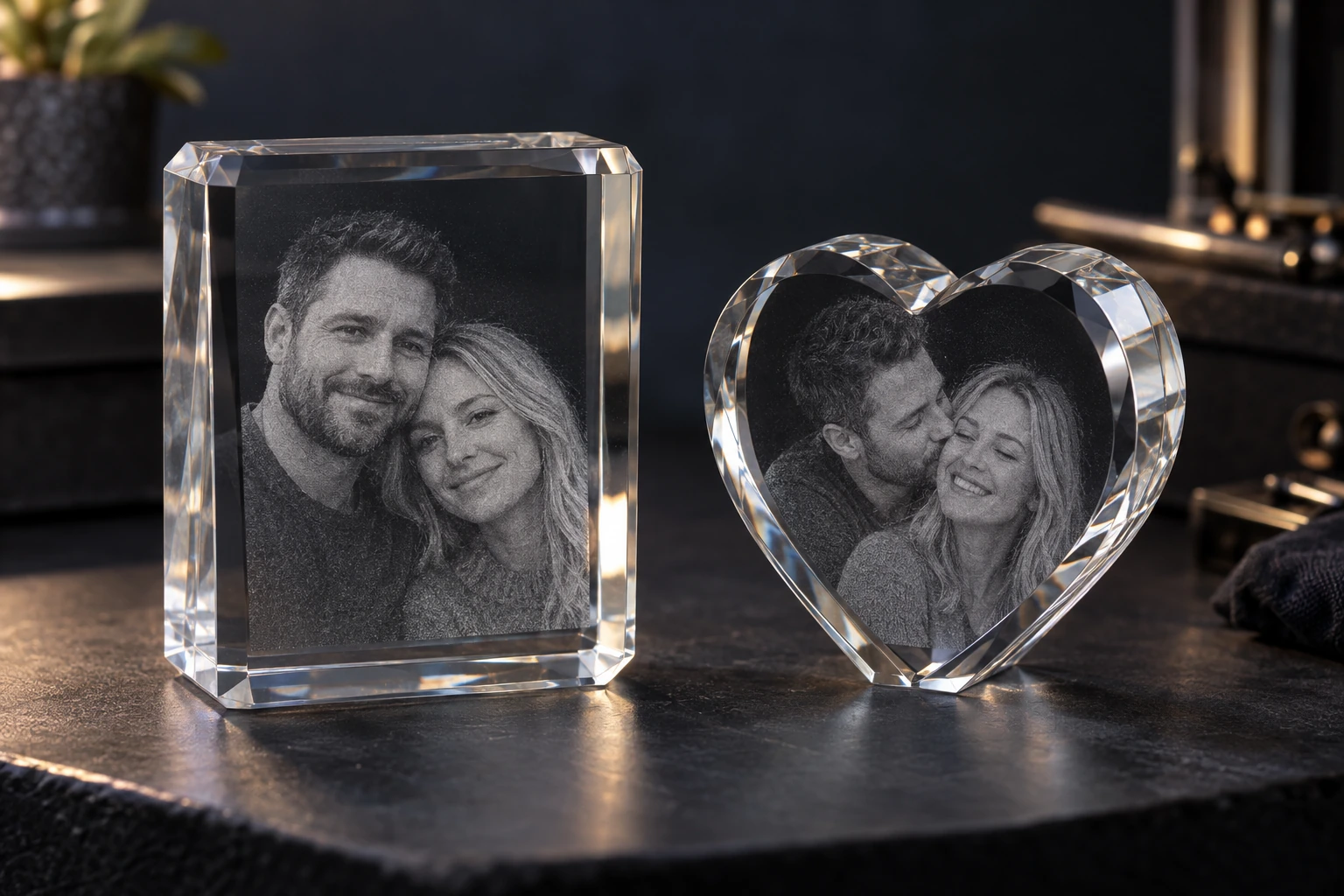

04 / OPTIONAL ONLINE AI
The optional AI Photo Studio can request image edits or new images through OpenAI using your own API key. Online requests require internet access and are billed directly by OpenAI.
Your offline photo, depth and export tools remain available without an online AI subscription. Check image likeness and detail before using an AI result.
Read about photos & privacy ↗